
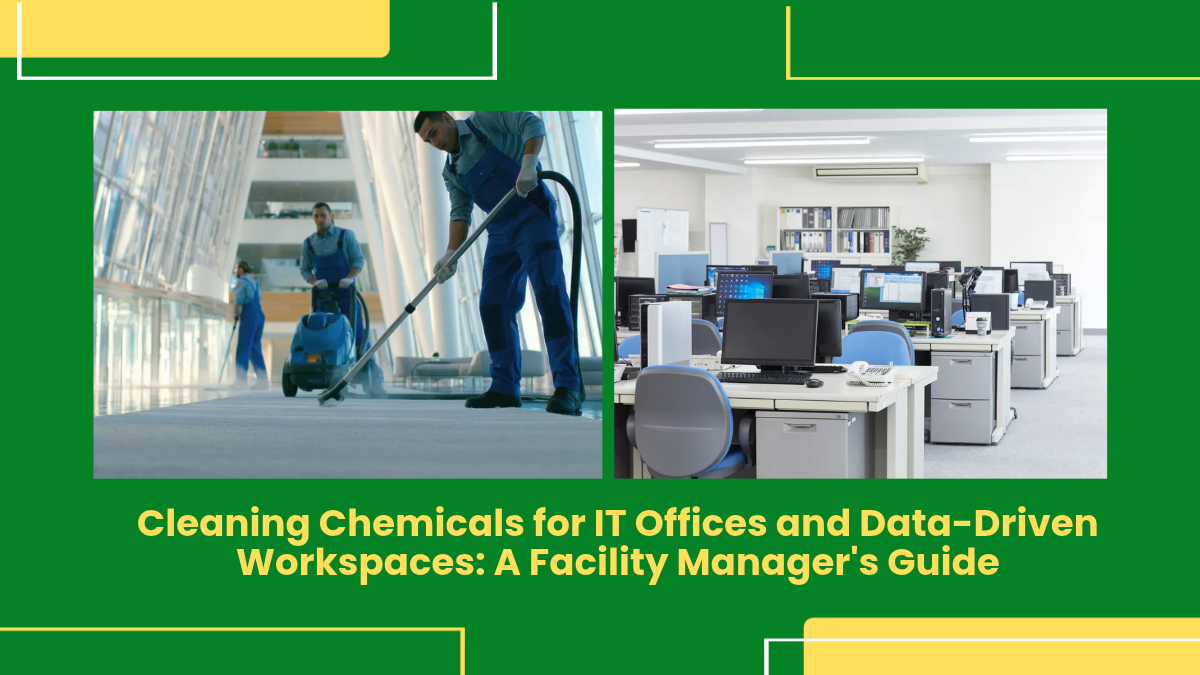
IT offices and data-driven workspaces contain workstations, monitors, keyboards, meeting rooms, glass partitions, flooring and shared facilities that require regular cleaning. The challenge is maintaining hygiene without damaging sensitive surfaces or creating unnecessary chemical exposure.
Choosing the right cleaning chemicals for IT offices helps facility managers maintain clean, professional and comfortable workplaces. Ecochem provides commercial cleaning solutions for offices and corporate facilities, including products for floors, glass, washrooms and general cleaning applications.
Why IT Offices Need a Different Cleaning Approach
Modern IT offices are different from traditional workplaces. Employees may work around computers, monitors, networking equipment, cables, glass surfaces and shared devices throughout the day.
Common cleaning areas include:
- Workstations
- Desks and tables
- Computer areas
- Meeting rooms
- Glass partitions
- Office floors
- Washrooms
- Cafeterias and pantry areas
- Reception areas
- Common spaces
Each surface can have different cleaning requirements. A chemical suitable for a floor may not be appropriate for a monitor, keyboard or electronic equipment.
Facility managers should therefore select office cleaning chemicals according to the surface, application and manufacturer’s instructions.
Problems Faced During IT Office Cleaning
1. Cleaning Around Electronic Equipment
Computers, monitors, keyboards, printers and other equipment require careful cleaning.
Applying unsuitable liquids directly to electronic equipment can create the risk of moisture entering sensitive components.
Solution
Cleaning teams should:
- Follow the equipment manufacturer’s cleaning instructions
- Use suitable cleaning methods for electronics
- Avoid spraying liquid directly onto electronic components
- Use controlled quantities of cleaning solution
- Use appropriate cloths for sensitive surfaces
- Allow surfaces to dry properly
Cleaning chemicals intended for general surfaces should not automatically be used on electronic equipment.
2. Dust and Dirt Around Workstations
IT offices can accumulate dust around desks, floors, cables and equipment.
Dust can also collect in less visible areas such as under desks, behind furniture and around storage spaces.
Solution
Create a routine cleaning schedule covering both visible and less-accessible areas.
Cleaning teams can combine:
- Dry dust removal
- Suitable surface cleaning
- Floor cleaning
- Periodic deep cleaning
- Cleaning around furniture
- High-touch surface cleaning
The cleaning frequency should reflect office occupancy and usage.
3. Fingerprints and Marks on Glass
Glass doors, partitions and meeting-room panels can quickly develop fingerprints, smudges and dust.
These marks can affect the appearance of a corporate workspace.
Solution
Use a suitable glass-cleaning product according to the manufacturer’s instructions.
A good glass-cleaning routine should include:
- Removing loose dust.
- Applying the appropriate amount of cleaner.
- Using a suitable lint-free cloth or cleaning tool.
- Wiping the surface evenly.
- Checking for streaks after cleaning.
Avoid excessive product use, as more chemical does not necessarily produce better results.
4. Floor Dirt in High-Traffic Areas
Office entrances, corridors, cafeterias and common areas receive more foot traffic than individual workstations.
Dust, soil and stains can accumulate quickly.
Solution
Develop area-specific floor-cleaning schedules.
High-traffic areas may require more frequent cleaning than low-traffic areas.
Select floor-cleaning chemicals based on the flooring material, contamination and cleaning method.
5. Washroom Hygiene
Office washrooms require frequent cleaning because they are shared facilities with regular employee use.
Common problems include:
- Soap residue
- Water marks
- Mineral deposits
- Odour
- Dirt
- Surface stains
Solution
Use suitable office housekeeping chemicals for floors, toilets, washbasins and other compatible surfaces.
Cleaning staff should follow defined procedures for product dilution, application, contact time where applicable and rinsing.
Choosing Cleaning Chemicals for IT Offices
Floor Cleaning Chemicals
Floor cleaners can be used for suitable office flooring such as tiles and other compatible surfaces.
Before selecting a product, check:
- Flooring material
- Level of traffic
- Type of contamination
- Cleaning equipment
- Dilution requirements
Ecochem offers floor-cleaning solutions for commercial and facility-maintenance applications.
Glass Cleaning Chemicals
Glass cleaners are commonly used for:
- Windows
- Glass partitions
- Meeting-room doors
- Reception areas
- Interior glass surfaces
The product should be used according to the manufacturer’s instructions to minimise streaks and residue.
Multi-Purpose Cleaning Chemicals
Multi-purpose cleaners can be useful for suitable desks, tables, doors, counters and other general surfaces.
However, they should not automatically be used on electronics, delicate coatings or surfaces where the manufacturer specifies another cleaning method.
Toilet and Washroom Cleaners
Dedicated washroom products can help cleaning teams address different types of deposits found in toilets, washbasins and bathroom areas.
The chemical should be selected according to the surface and cleaning requirement.
How Facility Managers Should Select Office Cleaning Chemicals
1. Identify the Surface
Before selecting a chemical, determine whether the surface is:
- Glass
- Ceramic
- Stainless steel
- Plastic
- Wood or laminate
- Painted
- Stone
- Vinyl
- Carpet
- Electronic equipment
Different materials may require different cleaning methods.
2. Identify the Type of Dirt
Cleaning requirements may include:
- Dust
- Fingerprints
- Food residue
- Grease
- Water marks
- General dirt
- Stains
The product should match the contamination.
3. Check Dilution Requirements
Some corporate housekeeping chemicals are supplied as concentrates.
Always follow the recommended dilution.
Incorrect dilution can affect cleaning performance and may increase chemical consumption.
4. Review Product Documentation
Before introducing a new chemical, facility managers should review available product and safety information.
This may include:
- Safety Data Sheet
- Product specifications
- Usage instructions
- Dilution information
- Storage requirements
- Surface compatibility
5. Test New Products
Before introducing a product throughout an office, test it on a suitable small area where practical.
This can help identify problems such as:
- Streaking
- Discolouration
- Surface damage
- Residue
- Unwanted odour
Cleaning Chemicals for Data Centres and Technical Areas
Data centres and technical rooms require additional care because they contain sensitive electronic and electrical equipment.
Do not automatically use general-purpose commercial office cleaning products around servers, networking equipment, or electrical components.
Facility teams should follow equipment manufacturer recommendations and site-specific cleaning procedures.
For technical areas, cleaning may focus more on controlled dust removal and suitable methods for floors and surrounding surfaces rather than applying liquid directly around equipment.
Cleaning teams should also coordinate with technical personnel when cleaning areas containing sensitive infrastructure.
How Ecochem Supports IT Office Cleaning
Ecochem is an Indian manufacturer of commercial and industrial cleaning chemicals with solutions for different facility-maintenance applications.
For corporate and IT offices, relevant product categories can include:
- Floor cleaners
- Glass cleaners
- Multi-purpose cleaners
- Toilet cleaners
- Hand hygiene products
- Other housekeeping solutions
Ecochem’s range also includes green, natural, herbal and bio-based cleaning solutions for selected applications.
For an IT office, products should be selected according to the cleaning area and surface. A floor cleaner may be appropriate for suitable flooring, while glass cleaner can be used for compatible glass surfaces. Electronic equipment should be cleaned according to the equipment manufacturer’s instructions.
Prevention Tips for IT Office Cleaning
1. Create an Area-Wise Cleaning Schedule
Divide the office into areas such as:
- Workstations
- Meeting rooms
- Reception
- Pantry
- Washrooms
- Corridors
- Common areas
- Technical rooms
Assign suitable cleaning frequencies to each area.
2. Train Cleaning Staff
Cleaning employees should understand which chemical is intended for each application.
Training should cover:
- Product identification
- Dilution
- Application
- PPE
- Storage
- Spill procedures
- Surface compatibility
3. Never Spray Chemicals Directly Onto Electronics
Avoid spraying liquid directly onto computers, monitors, keyboards, power equipment or other electronic devices unless the equipment manufacturer specifically permits it.
Use the cleaning method recommended for the equipment.
4. Keep Chemicals Clearly Labelled
All cleaning products should remain in properly identified containers.
Do not use unlabelled bottles for chemical storage.
5. Avoid Chemical Mixing
Different cleaning products can react with each other.
Never mix chemicals unless the manufacturer specifically states that the combination is suitable.
6. Use the Correct Dilution
Follow the recommended dilution for concentrated products.
Measure the product rather than estimating quantities.
7. Maintain Proper Storage
Store cleaning chemicals according to the manufacturer’s instructions.
Keep them away from food, incompatible products and unauthorised access.
8. Monitor Chemical Consumption
Track frequently used products to identify unusual increases in consumption.
Higher usage may indicate incorrect dilution, overuse, leakage or changes in cleaning requirements.
Common Mistakes in IT Office Cleaning
Using One Chemical for Every Surface
Different surfaces require different cleaning approaches.
Spraying Liquid Directly Onto Electronics
This can create unnecessary risks around sensitive equipment.
Ignoring High-Touch Areas
Door handles, switches, shared tables and other frequently touched surfaces should be included in routine cleaning procedures.
Overusing Cleaning Chemicals
More product does not automatically mean better cleaning.
Ignoring Manufacturer Instructions
Both cleaning-product manufacturers and equipment manufacturers provide instructions that should be followed.
Poor Chemical Storage
Improper storage can create avoidable workplace and handling risks.
Building a Practical IT Office Cleaning Programme
Effective IT office cleaning requires more than choosing a general-purpose chemical. Facility managers need to understand the different surfaces and cleaning requirements throughout the workplace.
A practical programme should include area-specific cleaning schedules, suitable products, correct dilution, employee training and proper chemical storage.
Ecochem provides commercial and industrial cleaning solutions across several product categories that can support office and corporate housekeeping requirements.
For businesses looking for cleaning chemicals for IT offices, office cleaning chemicals, corporate housekeeping chemicals or commercial office cleaning products, the right starting point is to identify each cleaning application and select the appropriate product.
Keep electronic equipment protected, use surface-appropriate cleaning products, follow recommended dilution and maintain a consistent office cleaning schedule.
FAQ’S
What cleaning chemicals are commonly used in IT offices?
Common categories include floor cleaners, glass cleaners, multi-purpose cleaners, toilet cleaners and hand hygiene products.
Can office cleaning chemicals be used on computers?
Not automatically. Computer equipment should be cleaned according to the equipment manufacturer’s instructions and suitable cleaning methods.
How often should IT offices be cleaned?
Cleaning frequency depends on occupancy, foot traffic, workspace usage and the type of facility. High-use areas generally require more frequent cleaning.
What should facility managers consider when buying office cleaning chemicals?
Consider surface compatibility, cleaning performance, dilution, safety information, application method, storage and product documentation.
Can one cleaner be used throughout an IT office?
Not always. Floors, glass, washrooms, furniture and electronic equipment can have different cleaning requirements.
Written By: Vinny Jain